










logo
0
login photo
LumeFlow 3.0
Better quality, faster speed, lower cost
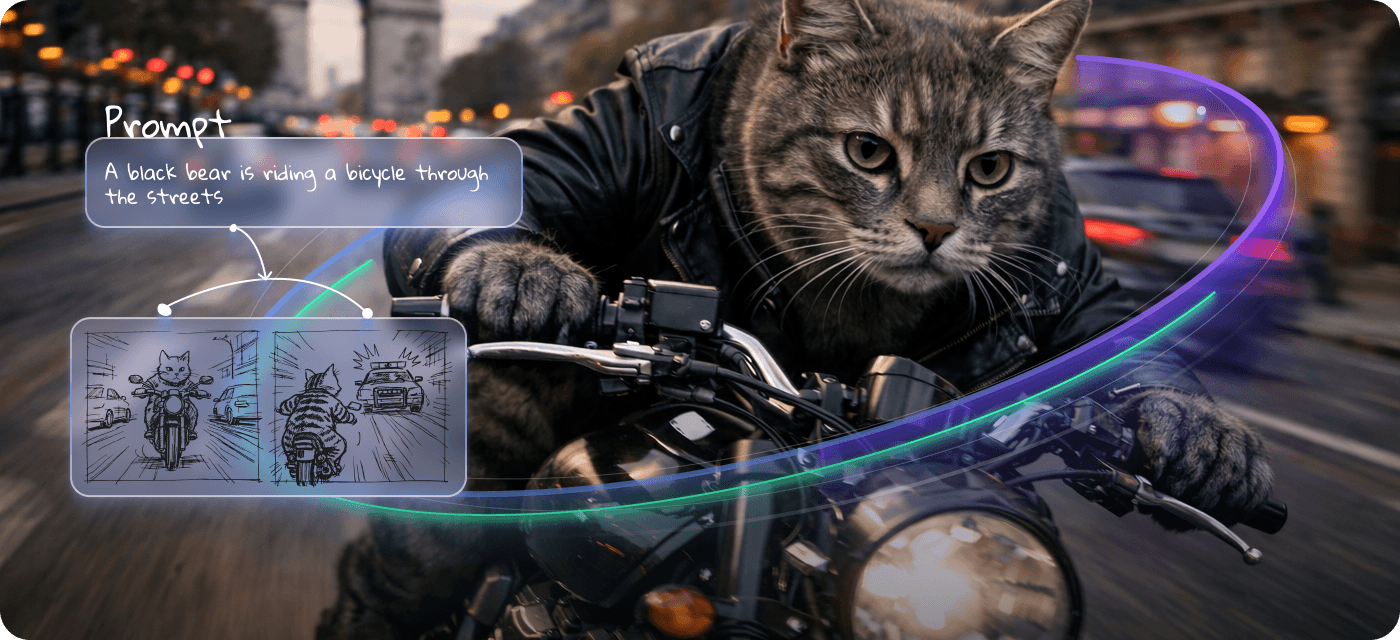
Prompt
0/2000
Hints:
  • Glitch
  • Whirl
  • Panic
Size
  • 16:9
  • 1:1
  • 9:16
Sound
Generate natural-sounding audio for videos
Video Duration
  • 5s
  • 8s
Resolution
  • 360P
  • 540P
  • 720P
  • 1080P
Outputs
  • 1
  • 2
    5% Off
  • 3
    10% Off
  • 4
    15% Off
Seed
Seed controls randomness—using the same seed reproduces the same result.
Credits Required: 30
  • History
  • Inspiration

Powerful Choices, One Best Text to Video Local Model Hub

Explore leading text to video ai models from top creators and research teams, each offering unique strengths for different styles, stories, and workflows.

A Text to Video AI Generator Creators Can’t Stop Talking About

See what happens when creators try text to ai video generation and turn everyday ideas into videos worth sharing.

Why Creators Choose Our AI Text to Video Generator

best ai image to video

One Hub for Every Leading Video Model

Why juggle multiple platforms when everything is in one place? Access the best text to video local model options from leading providers, including Seedance 2.0, Gemini Omni, Kling 3.0, and more. Switch models instantly, compare outputs side by side, and find the perfect style for every project without disrupting your workflow.

Start Creating with Text to Video Free

Smarter Prompts, Better Videos, Less Guesswork

Not sure how to write the perfect prompt? Our AI Prompt Agent helps refine ideas automatically, turning rough concepts into clearer instructions for generation. Combined with a free text to video generator experience, it helps creators spend less time tweaking prompts and more time creating videos they love.

Start Earning with the Best Text to Video AI

Create Content and Unlock New Income Streams

Great videos deserve an audience—and sometimes a paycheck. Beyond creation, LumeFlow connects users with creator programs and affiliate opportunities. Unlike many text to video platforms, we help creators turn skills, content, and community influence into meaningful earning opportunities.

One Text to Video AI Generator, Endless Creative Possibilities

Content Creator

Advertising & Marketing

Education

Brand Entrepreneur

text to video for Content Creator
Now: Create scroll-stopping content with text to video ai in minutes.

Before: Hours editing clips, chasing trends, and fighting creative blocks.

How to Use the LumeFlow AI Text to Video Generator

alt: how to use lumeflowai text to video

Step 1. Enter Your Text Prompt

Type your idea, script, or keywords describing your video. You can paste text or refine prompts quickly with AI assistance for better results.

Step 2. Start the Text-to-Video Generator

Select a model and style, then launch generation. LumeFlow AI transforms your prompt into animated scenes, visuals, and cinematic motion in seconds.

Step 3. Customize and Share Your Video

Edit with music, styles, and scene tweaks. When ready, download or share your video instantly across platforms to showcase your creation.

Explore More Powerful Best Text to Video AI Tools

Discover even more magic with our best ai text to video generator alternatives—perfect for experimenting, remixing, and leveling up your creative workflow.

Text to Video AI FAQ

Q1:How does the text to video AI generator work?

You simply enter a text prompt, and the system turns it into a video using AI models that generate scenes, motion, and visual storytelling automatically. It reduces manual editing and speeds up creation.

What Creators Say About Our AI Text to Video

Real users share their experiences with the ai text to video generator, showing how it helps turn ideas into videos faster, easier, and more creatively across different projects and styles.

Daniel Davis

As someone who runs e-commerce ads, this image to video maker helps me create product videos fast without needing a video editor. Super convenient.

Daniel Davis

E-commerce Advertising Operator

Evelyn Anderson

I used to need 3 or 4 tools to make a video. Now, everything from generation to editing happens in one platform. Huge time-saver!

Evelyn Anderson

Influencers

Harper Taylor

I tried inputting a script to create an AI generated video from text, and the result was surprisingly good. Even the camera movements felt natural. What I like most is the instant preview — if I'm not happy, I can tweak the prompt and timing easily. It makes the workflow incredibly efficient.

Harper Taylor

YouTuber

Sophia Brown

I used to spend hours animating basic sequences. Now, with just a sketch and a prompt, I can create a video from a photo with smooth, stylized motion, freeing up my time for more creative tasks.

Sophia Brown

Animators

Joshua Thomas

Instead of spending hours (or money) on video production, I can generate multiple video versions from different images and prompts, then test what works best. ROI-friendly and super efficient.

Joshua Thomas

Advertiser

LumeFlow AI

Bring your ideas to life with Text to Video AI today

!
