


Go Viral with AI TikTok Video
Turn Ideas into Hot Videos Fast with LumeFlow
 (3529+ Reviews)
  LumeFlow 3.0 LumeFlow 3.0
  kling 3.0
  Seedance 2.0 Mini Seedance 2.0
  Happy Horse 1.0 Happy Horse 1.1
  Gemini Omni
  Wan 2.5
  Pixverse V5.5 Wan 2.6
  Hailuo 2.3 Hailuo 2.3 Fast kling 2.5
  Sora 2 Sora 2 Pro
  Vidu Q2 Turbo
  Google Veo 3.1 Google Veo 3.1 Fast Pixverse V5 Hailuo 02 Vidu Q1 kling 1.6
 Click to upload an image
 Upload JPG/PNG/WEBP images up to 10MB, with a minimum width/height of 300px.
LumeFlow 3.0 Happy Horse 1.0 LumeFlow 3.0 kling 3.0 Wan 2.5 Pixverse V5.5 Wan 2.6 Hailuo 2.3 kling 2.5 Sora 2 Sora 2 Pro Vidu Q2 Google Veo 3.1 Google Veo 3.1 Fast Pixverse V5 Hailuo 02 Vidu Q1 kling 1.6 LumeFlow 2.0 LumeFlow 2.0 Vidu Q2 Turbo  Click to upload a video
 Upload mp4 files up to 50MB with max resolution of 1920px and max time of 30s
See What AI TikTok Video Generator Can Really Do!
Watch mind-blowing AI generated videos for tiktok come to life! Our AI TikTok video generator with offically licensed Seedance 2.0 here simple ideas into professional-quality content that looks straight from a pro editor. See how easy it is to make the magic happen now!
Why LumeFlow AI TikTok Video Generator Stands Out?
Start Creating with AI TikTok Video Generator Free
No budget? No problem! Our AI tiktok video generator free removes all barriers to creativity. Access the best ai tiktok video generator free and create scroll-stopping ai video generator for tiktok free content instantly. Zero cost, zero limits—just infinite possibilities!
Create Without Limits

Best AI TikTok Video Generator for Pro-Level Content
Want content that looks like it was made by a pro? Our best AI tiktok video generator creates videos with stunning visuals, smooth transitions, and eye-catching effects. Stand out from the crowd with quality that gets noticed. Try the best ai tiktok video generator today!
Try the Best NowNo Problem with Free AI Dance Video Generator TikTok
Everyone can be a dancer with our free AI dance video generator tiktok! Simply upload your photo, pick a trending dance move, and let our AI make you the star of the dance floor. Create hilarious dance videos that get likes and shares.
Try the free AI dance video generator tiktok today!
Make a TikTok Dance Video
Join Millions of TikTok Creators Using AI
Real-Time Performance Stats

How to Use AI TikTok Video Generator by LumeFlow AI?
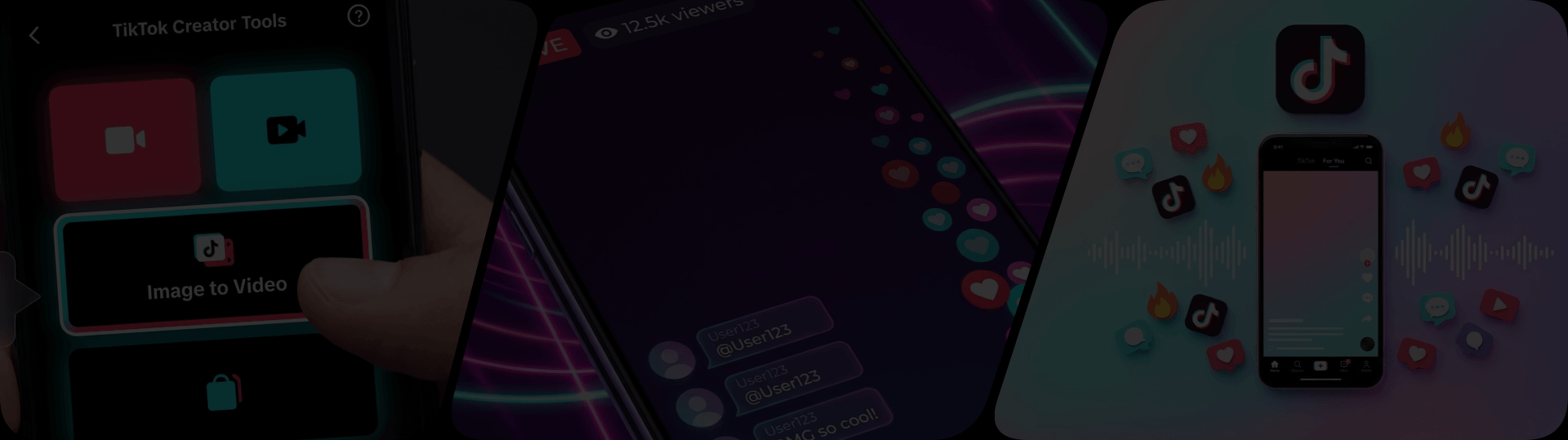
Step 1: Select "Image to Video" within the Function AI Video.
This Image to Video function includes a variety of rich features.
Step 2. Choose your frames? Imitate a video?
Generate the TikTok video you want by selecting the first and last frames or uploading a video for reference!
Step 3. Upload your materials!
Upload your materials and click generate to see the magic happens!


All You Need to Know About AI TikTok Video Generator
-
1. Can I use AI-generated videos on TikTok?
Absolutely! AI generated videos tiktok are completely allowed on the platform. TikTok supports AI generated content as long as it follows community guidelines. Our tool creates original content that you can upload directly to TikTok. Just make sure to add proper disclosures if required by TikTok's policies!
-
2. What is a Faceless TikTok AI Video Generator?
A faceless tiktok AI video generator lets you create engaging TikTok content without showing your face! Perfect for creators who prefer privacy or want to maintain anonymity. Our faceless tiktok AI video generator creates stunning videos using AI avatars, text animations, stock footage, and more—no camera required!
-
3. Can I find AI TikTok Video Generator on Reddit?
Yes! Many creators discuss ai tiktok video generator reddit threads and share their experiences. Our tool is highly recommended in the TikTok creator community for its quality and ease of use. Check out Reddit for honest reviews and tips from creators who've tried our ai tiktok video generator!
-
4. Do I need editing skills to use this tool?
Not at all! Our ai tiktok video generator is designed for everyone—from complete beginners to experienced creators. No editing skills required—just input your ideas and let our AI handle the rest. Even if you've never edited a video, you can create professional-looking TikTok content!
-
5. Is my personal information safe when using this tool?
Absolutely! We take your privacy seriously. Your uploaded photos and created videos are processed securely and never shared with third parties. All data is encrypted and automatically deleted after processing. You can create TikTok content with complete peace of mind!
AI Video Creation Mastery Blog
Dive deep into the world of AI video creation! Our blog covers everything from how to create stunning AI generated videos tiktok, to tips for faceless content, and step-by-step guides for beginners. Level up your content creation skills—click and start learning now!
- Seedance 2.0 Review: Is This ByteDance AI Video Generator Worth Using?
- Nano Banana 2 Is Here: Real Review, Pro Comparison & Free Access
- 55 TikTok AI Prompts That Actually Go Viral in 2026
- Best Free AI TikTok Video Generator in 2026 (Real Testing)
- How to Make Viral TikTok Videos with AI (2026 Guide)
Your All-in-One AI Creative Hub
Why limit yourself to just TikTok? LumeFlow gives you access to even more amazing AI tools! Generate beautiful AI image create, convert your photos into videos, or create funny lip sync content. One platform, endless possibilities—unlock your full creative potential now!


