


ChatGPT Images 2 AI Image Generator
High-quality, detailed images with next-generation experience!
 (3529+ Reviews)
  GPT Image 2.0
GPT Image 2.5
GPT Image 2.0
GPT Image 2.0
GPT Image 2.5
 Nano Banana
 2.1
Nano Banana Pro
Nano Banana 2
Nano Banana
Nano Banana 2.1
Nano Banana Pro
Nano Banana 2
 Seedream 4.0
 Flux Kontext Max
Flux Kontext Pro
GPT Image 2.0
GPT Image 2.0
GPT Image 2.5
Nano Banana 2.1
Nano Banana
Nano Banana Pro
Nano Banana 2
Seedream 4.0
Flux Kontext Max
Flux Kontext Pro
GPT Image 2.0
GPT Image 2.0
GPT Image 2.5
Nano Banana 2.1
Nano Banana
Nano Banana Pro
Nano Banana 2
Seedream 4.0
 Kling O1

 Click to upload an image
Upload JPG/PNG/WEBP images up to 10MB, with a minimum width/height of 300px.
See What ChatGPT Images 2 Can Create
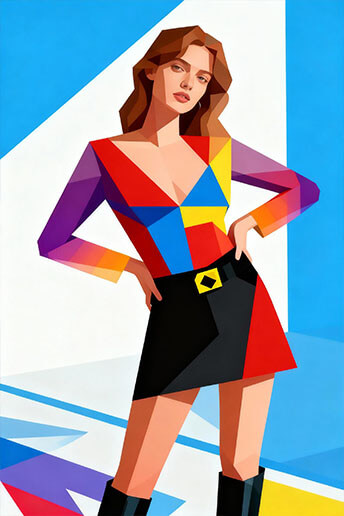
Explore examples generated with ChatGPT Images 2 and discover its ability to produce highly detailed, realistic, and visually consistent images, by understanding your prompt in a completely different way! From portraits to concept art, see how advanced Chatgpt images 2 transforms simple prompts into professional-quality visuals!
Feel Chatgpt images 2 yourself!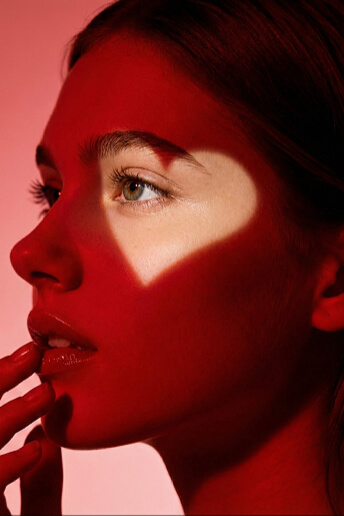
Why Use ChatGPT Images 2 AI Image Generator?
What You Describe Is What You Get. Finally.
One of the biggest pain points with AI image tools is the gap between your vision and the output. ChatGPT Images 2.0 uses advanced reasoning to interpret your prompts more accurately.
Describe your idea, and the system processes it before generating, delivering results that match your intent with far fewer retries.
Create Without Guessing

Create Consistent Image Series Without the Hassle.
Need a set of images for a presentation, social media campaign, or design project? ChatGPT Images 2.0 maintains remarkable consistency across multiple generations. Same style, same tone, same visual language. Finally, an AI tool that helps you build cohesive visual content without starting from scratch each time.
Generate Consistent SeriesFrom Single Image to Full Campaign. Seamlessly Consistent.
Generate one image and use it as a reference for more. ChatGPT Images 2.0 keeps your visuals aligned across scenes, characters, and styles. Perfect for comics, social media series, or any project requiring visual coherence.
Create more, edit less.
Create Cohesive Content

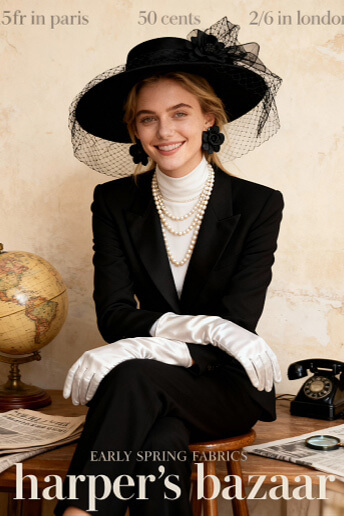
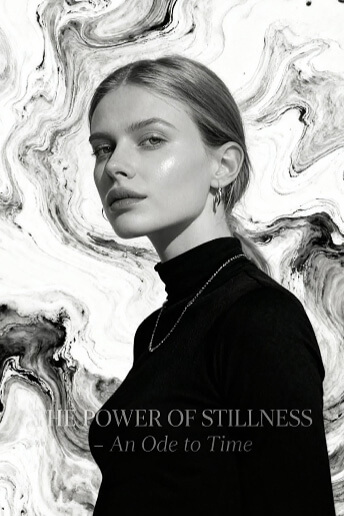
Photorealistic Images That Fool the Eye.
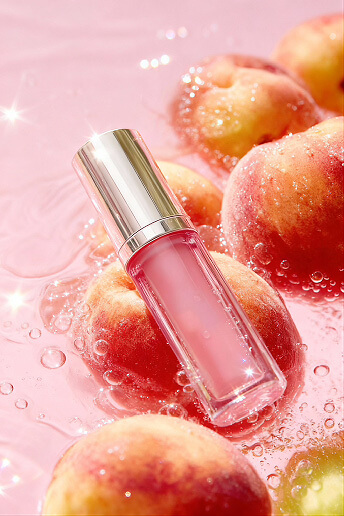
Improved lighting, sharper details, better composition. ChatGPT Images 2.0 produces images that look increasingly indistinguishable from real photographs. Whether you need product shots, posters, or lifestyle imagery, the realism is striking. Create stunning visuals without expensive photoshoots.
See Stunning RealismReal AI Image Generation in Action
From speed to output quality, discover how creators are using AI to produce stunning visuals instantly.

How to Use Chatgpt images 2 in LumeFlow AI?
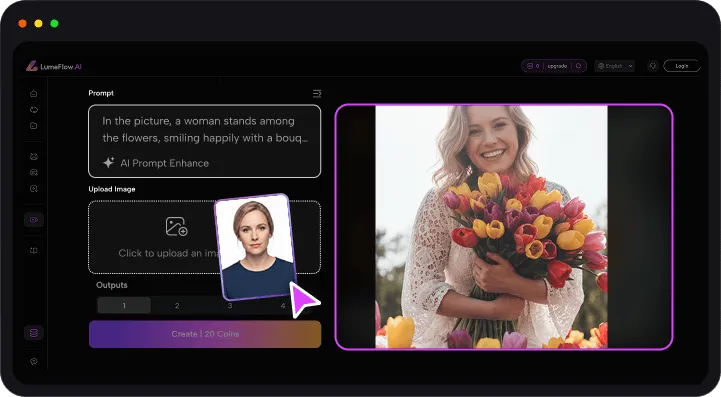
Step 1: Choose image generate here!
How do you want your image to be generated? Text to image or iamge to image?
Step 2. Choose Chatgpt images 2 Model
Let's feel the magic from here!
Step 3. Add Your Creativity
Input your creative ideas or scene descriptions, or upload images to bring creations alive!


What Do You Need to Know About Chatgpt Images 2?
-
1. What is ChatGPT Images 2?
It offers a few free attempts to try on Chatgpt. As to the generation platforms, availability depends on the platform. Some tools offer free access with limits, while others provide premium features for higher-quality outputs.
-
2. What can I create with ChatGPT Images 2?
You can create portraits, illustrations, concept art, marketing visuals, social media images, and more.
-
3. What makes ChatGPT Images 2 different from other AI image models?
ChatGPT Images 2 stands out for its improved prompt understanding and higher visual consistency. It generates images with more accurate details, better lighting, and fewer distortions, especially in complex scenes. Compared to many AI tools, it delivers results that are closer to what you actually describe, reducing the need for multiple retries.
-
4. How is ChatGPT Images 2 different from earlier ChatGPT image models?
Compared to earlier versions, ChatGPT Images 2 produces more realistic and detailed images with better control over composition and style while it understands more clearly about your prompts. It handles complex prompts more effectively, making it easier to get usable results on the first try.
-
5. What makes ChatGPT Images 2 different from other AI image models?
ChatGPT Images 2 stands out for its improved prompt understanding and higher visual consistency. It generates images with more accurate details, better lighting, and fewer distortions, especially in complex scenes. Compared to many AI tools, it delivers results that are closer to what you actually describe, reducing the need for multiple retries.
More Tips about AI Video!
Explore advanced AI video models like Happy Horse and Seedance 2.0 official with our curated guides, tips, and tutorials. Learn how to get the most out of next-generation AI video generation and create higher-quality videos faster and more efficiently.


More Powerful AI Video Tools Beyond Shorts
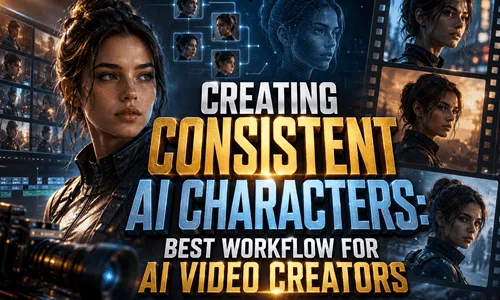
Beyond AI Instagram reel generator, LumeFlow AI offers a complete suite of video creation tools to power your content journey.
Text-to-video generation, AI story creation, our official Seedance 2.0, AI Enhance or Video Extend and more. No matter what you need, LumeFlow AI has the tools to make it happen.
Discover everything you need to create, edit, and scale your video content in one place.


