


Seedance 2.0 Prompts Guide
Come and See What Great Seedance 2.0 Prompt Can Produce!
Seedance 2.0 Prompt Guide Tips Examples, Formulas & Insider Tricks


-
1. Always Lead With Subject + Action, Not Style
The most common Seedance 2.0 prompt mistake? Starting with style keywords instead of what's actually happening. Seedance 2.0 needs to know WHO is doing WHAT before it cares about HOW it looks. Like generating the sentence, the subject and actions always come first.
-
2. Tell the Camera What NOT to Do — It's as Important as What It SHOULD Do
Seedance 2.0 is powerful, but without clear camera constraints, it will default to cutting between angles or adding unwanted zoom. Explicit negative instructions are the secret weapon in any Seedance 2.0 prompt.
For POV and orb sequences, always include:
"No cuts, no zoom"
"Natural head movement only"
"One continuous shot"
For transformations and multi-shot sequences:
Don't assume Seedance 2.0 will maintain consistency automatically — be explicit about what changes and what stays the same.
-
3. We offer you a Fill-in-the-Blank Template for your Seedance 2.0 Prompt!
A [subject description] [action verb + specific details] in [setting].
[Lighting description]. [Style: film type, lens, color grade].
Camera [camera movement + shot type]. [Extra details: particles, weather, atmosphere].
Same template. Different scene. Every time. Copy it, tweak the brackets, and you'll never stare at a blank prompt box again.
How LumeFlow Al works its magic with your your Seedance prompts
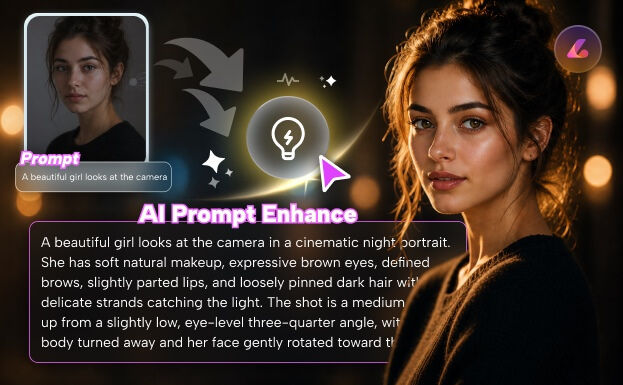
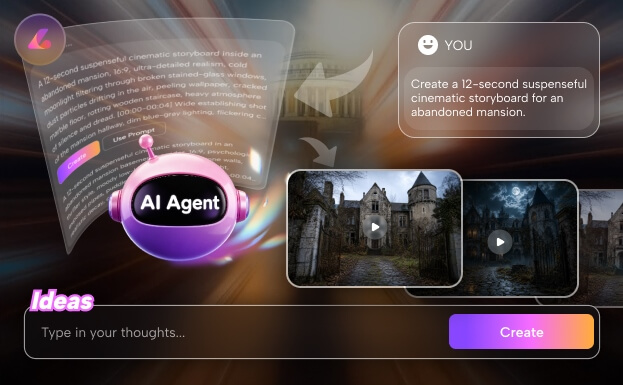
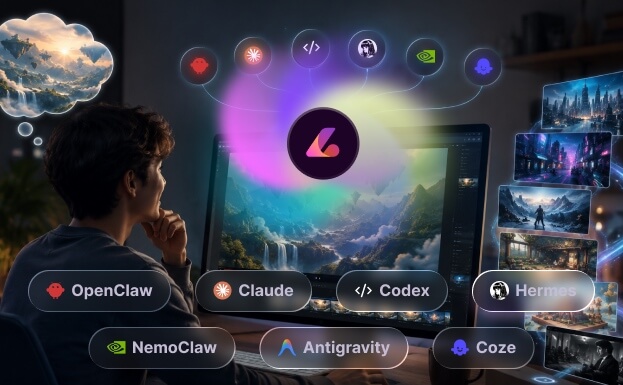
We Offer You More for Your Creation!
More You Need to Know About Seedance 2.0 Prompts!
-
1. Can I use image references with my Seedance 2.0 prompt in LumeFlow AI?
Yes. LumeFlow supports both text-to-video and image-to-video generation with Seedance 2.0. You can upload reference images as style guides, character references, or keyframes. In your Seedance 2.0 prompt, use the @image tag to reference uploaded images — this helps maintain character consistency and visual style across your generated video!
-
2. Can I use Seedance 2.0 prompts for vertical video formats like TikTok and Reels?
Yes. When writing a Seedance 2.0 prompt for vertical content, just adjust your aspect ratio to 9:16 and adapt your camera language accordingly. Vertical formats work great for POV sequences, close-up reactions, and top-down overhead shots!
-
3. What's the difference between text-to-video and image-to-video Seedance 2.0 prompts?
Text-to-video prompts give Seedance 2.0 full creative control — you describe the scene, and the model builds everything from scratch. Image-to-video prompts use your uploaded image as a reference anchor, giving you more control over character appearance, art style, and composition. For best results with image-to-video, keep your Seedance 2.0 prompt focused on action and camera — let the reference image handle the visual identity.
-
4. What types of content that I cannot generate in Seedance 2.0 prompts?
Seedance 2.0 prompts must comply with LumeFlow's content policy. Restricted content includes: explicit or pornographic material, violence, misleading deepfakes or impersonation of real people, and content that violates any applicable law. Prompts that violate these rules will be blocked during generation. If you're unsure whether your Seedance 2.0 prompt crosses a line, check the Usage Guidelines before submitting.
-
5. Can I share or sell the Seedance 2.0 prompts I write?
Of course! You are free to share, modify, and distribute your prompts however you like. You can come to our community to share your idea with other users! Remember to make sure your prompts don't reference copyrighted characters, brands, or protected content.
More AI Video Insights
Dive deeper into AI video creation — from model reviews to hands-on tutorials. Stay ahead with the latest tips, trends, and techniques.



More Powerful AI Video Tools Beyond Generation
Go beyond standard AI video generation with advanced creative tools built for modern creators. From extending existing videos, syncing voices with AI lip sync, to turning images into dynamic motion clips, our platform gives you everything you need to build complete, professional-quality video content in one place.


