








GPT Image 2.5 AI Image Generator
Sharper Details. Faster Creation. More Precise.
 Explore AI Image Creation
  GPT Image 2.0
GPT Image 2.5
GPT Image 2.0
GPT Image 2.0
GPT Image 2.5
 Nano Banana
 2.1
Nano Banana Pro
Nano Banana 2
Nano Banana
Nano Banana 2.1
Nano Banana Pro
Nano Banana 2
 Seedream 4.0
 Flux Kontext Max
Flux Kontext Pro
GPT Image 2.0
GPT Image 2.0
GPT Image 2.5
Nano Banana 2.1
Nano Banana
Nano Banana Pro
Nano Banana 2
Seedream 4.0
Flux Kontext Max
Flux Kontext Pro
GPT Image 2.0
GPT Image 2.0
GPT Image 2.5
Nano Banana 2.1
Nano Banana
Nano Banana Pro
Nano Banana 2
Seedream 4.0
 Kling O1

 Click to upload an image
Upload JPG/PNG/WEBP images up to 10MB, with a minimum width/height of 300px.
See What GPT Image 2.5 Can Create
Explore creative examples and imagine what you can make with GPT Image 2.5—from realistic portraits and product visuals to posters and stylized artwork. Start with a prompt or reference image, then refine individual details while keeping the overall composition consistent.
Explore GPT Image 2.5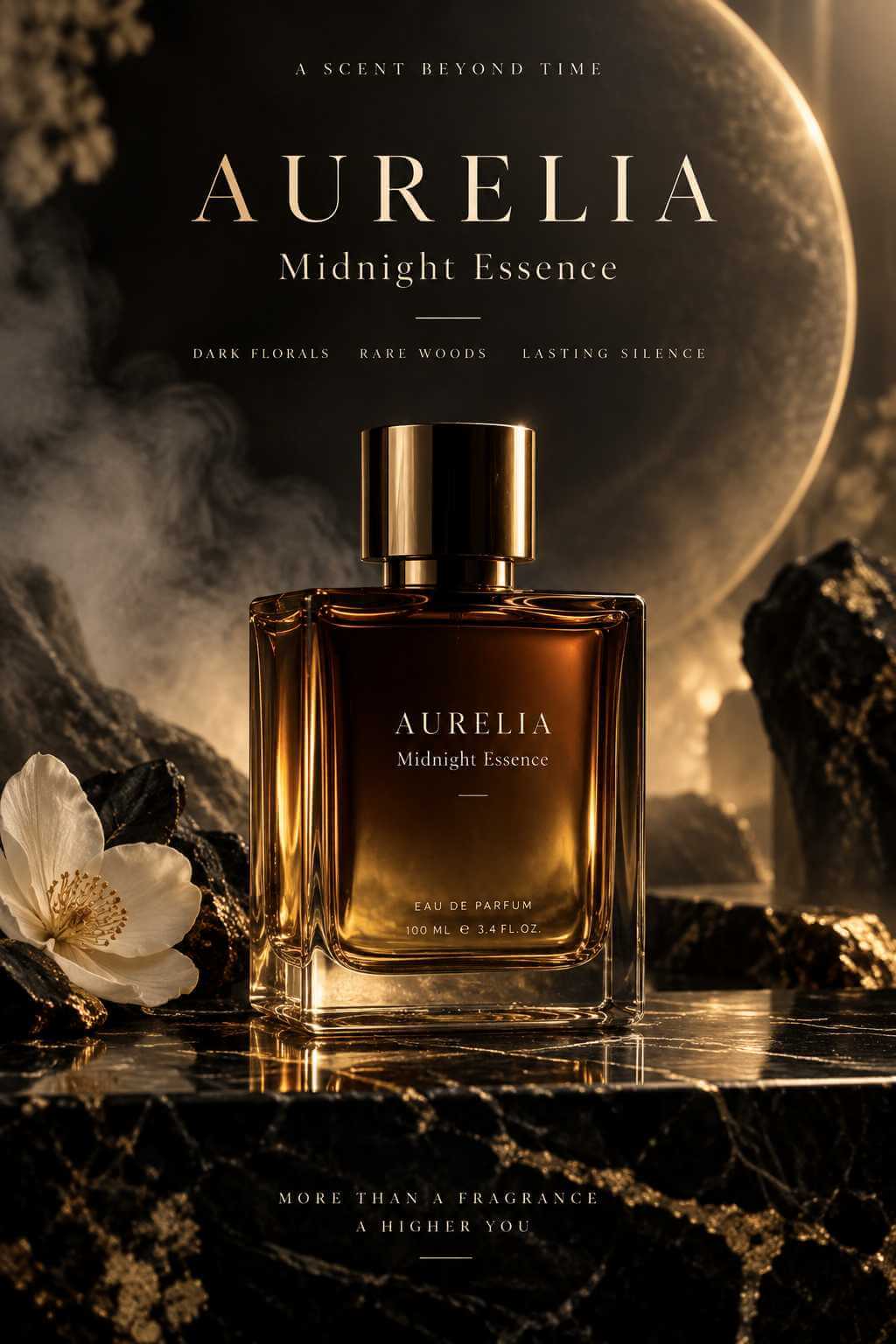
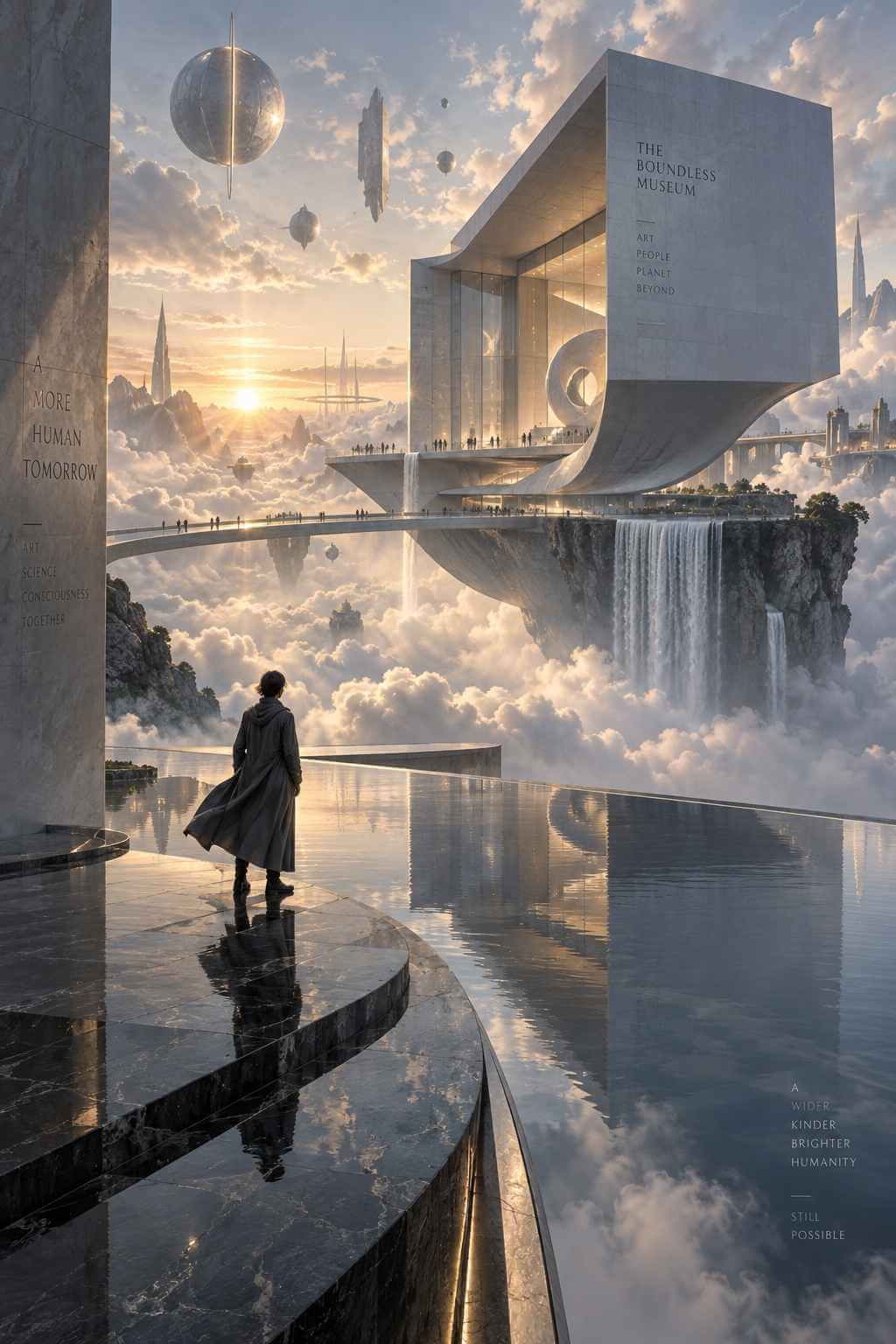
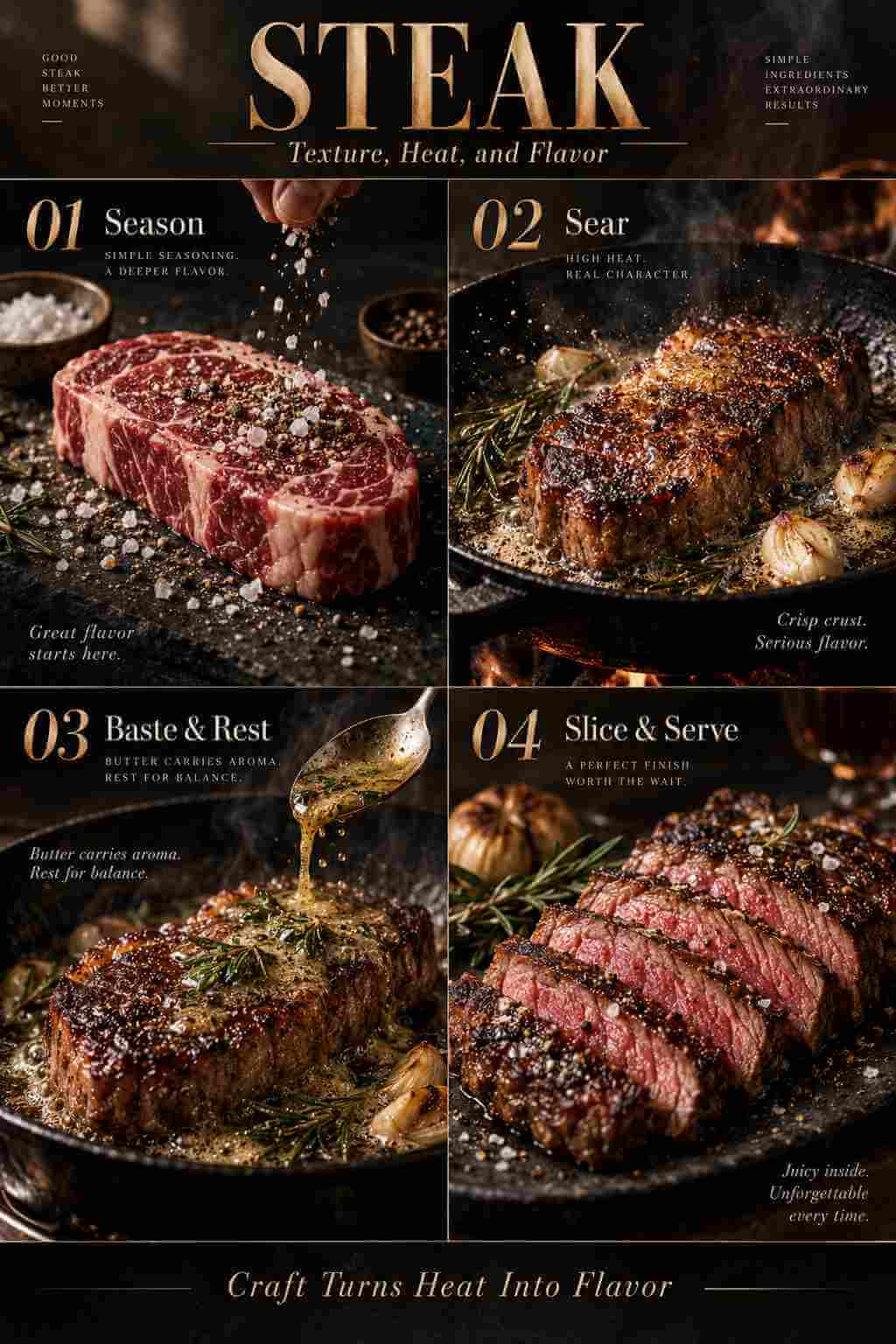
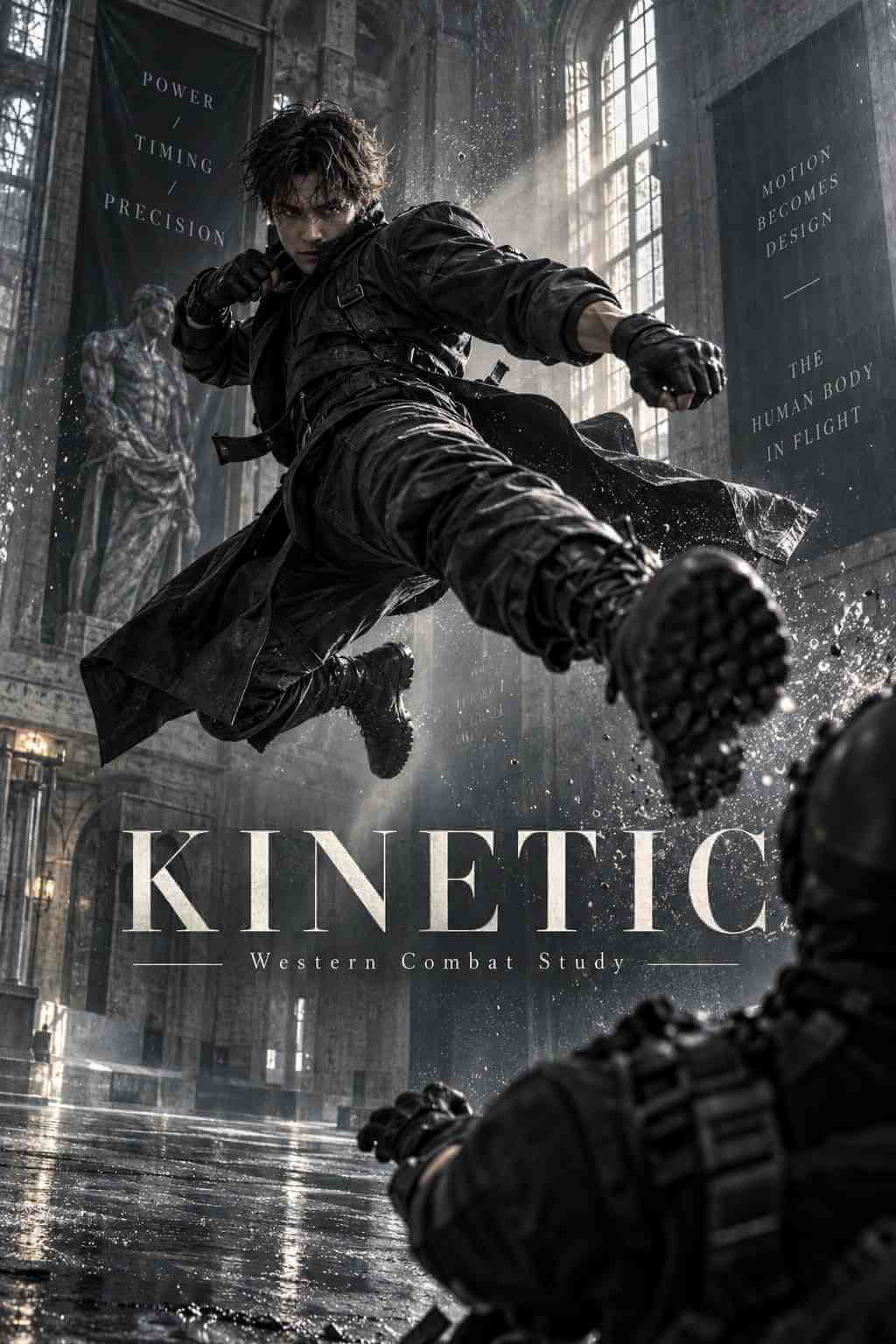
Why Use GPT Image 2.5 AI Image Generator?
Turn Detailed Prompts into Clearer Visual Results
GPT Image 2.5 follows creative instructions more accurately, helping translate detailed prompts into images with sharper elements, natural lighting, and richer textures.
Describe the subject, composition, materials, colors, and mood you want. Clear direction gives the model more context and makes each result easier to refine.
Create with Greater Precision

Keep Subjects Recognizable Across Your Edits
GPT Image 2.5 is better at preserving people, pets, products, and other subjects from reference images. Adjust the setting, style, or composition while retaining more of the details that make the original subject recognizable.
Create Consistent VisualsRefine One Detail Without Rebuilding the Whole Image
Make focused changes to an existing image while keeping the rest of the scene more consistent. GPT Image 2.5 follows editing instructions more reliably across multiple turns, making it easier to develop a concept step by step.
Edit with intent. Preserve what matters.
Start a Precise Edit

Sharper Details, Natural Light, and Richer Texture
Create portraits, product shots, posters, and campaign visuals with improved detail and a more natural finish. GPT Image 2.5 renders lighting and texture more convincingly, giving creative work greater depth and polish.
Explore the New Image QualityGPT Image 2.5 in Action
Discover a faster image workflow with sharper output, stronger reference fidelity, and more controlled edits.

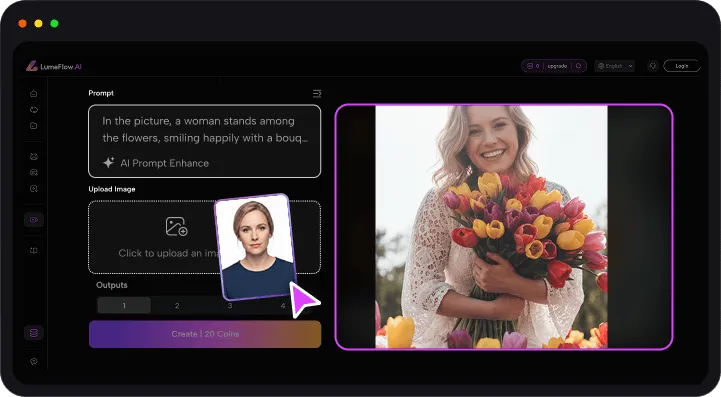
How to Use GPT Image 2.5 in LumeFlow AI
Step 1: Choose How You Want to Create
Start with text-to-image generation, or upload a reference image when you want to transform or refine an existing visual.
Step 2: Select GPT Image 2.5
Choose GPT Image 2.5 from the available image models, then select the format and settings that fit your project.
Step 3: Describe and Refine Your Idea
Describe the subject, composition, lighting, style, and text you want. Generate your image, review the result, and refine specific details with a follow-up instruction.


Frequently Asked Questions About GPT Image 2.5
-
1. What is GPT Image 2.5?
GPT Image 2.5 is OpenAI's latest image generation and editing model family. It creates images from text and edits images from text and image inputs, with sharper details, more precise editing, stronger subject preservation, and faster generation than Images 2.0.
-
2. What can I create with GPT Image 2.5?
You can create portraits, product images, posters, illustrations, marketing assets, social media graphics, infographics, and concept art. You can also upload an existing image and describe the changes you want to make.
-
3. What makes GPT Image 2.5 different from Images 2.0?
GPT Image 2.5 produces sharper details, more natural lighting, and richer textures. It also preserves subjects in reference images more reliably, follows editing instructions more consistently across multiple turns, and reduces generation latency by up to 50% compared with Images 2.0.
-
4. What are GPT Image 2.5 Flare and Sunburst?
GPT Image 2.5 Flare and GPT Image 2.5 Sunburst are the two API model variants. Flare combines the new quality, editing, and speed improvements for faster creative workflows. Sunburst focuses on extra precision for detailed work and takes longer to generate.
-
5. Can GPT Image 2.5 edit an existing image?
Yes. Upload a reference image and describe the change you want, such as replacing an object, adjusting the background, changing the style, or refining the composition. The model is designed to preserve more of the original subject and scene across successive edits.
More AI Image Tips and Creative Guides
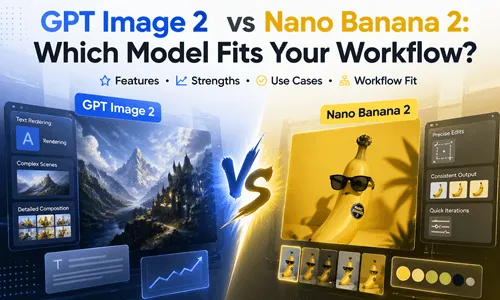
Explore practical guides covering GPT Image prompts, character consistency, model comparisons, and broader AI creative workflows. Use these ideas to plan stronger prompts and develop more polished visual content.



Take Your GPT Image 2.5 Creations Further
Turn generated images into a broader creative workflow with LumeFlow's video and enhancement tools.
Create an image with GPT Image 2.5, then explore Seedance 2.0, AI Enhance, Video Extend, and other toolsto develop the idea across more formats.
Move from a single visual concept to social content, campaign assets, and animated stories in one creative workspace.


