


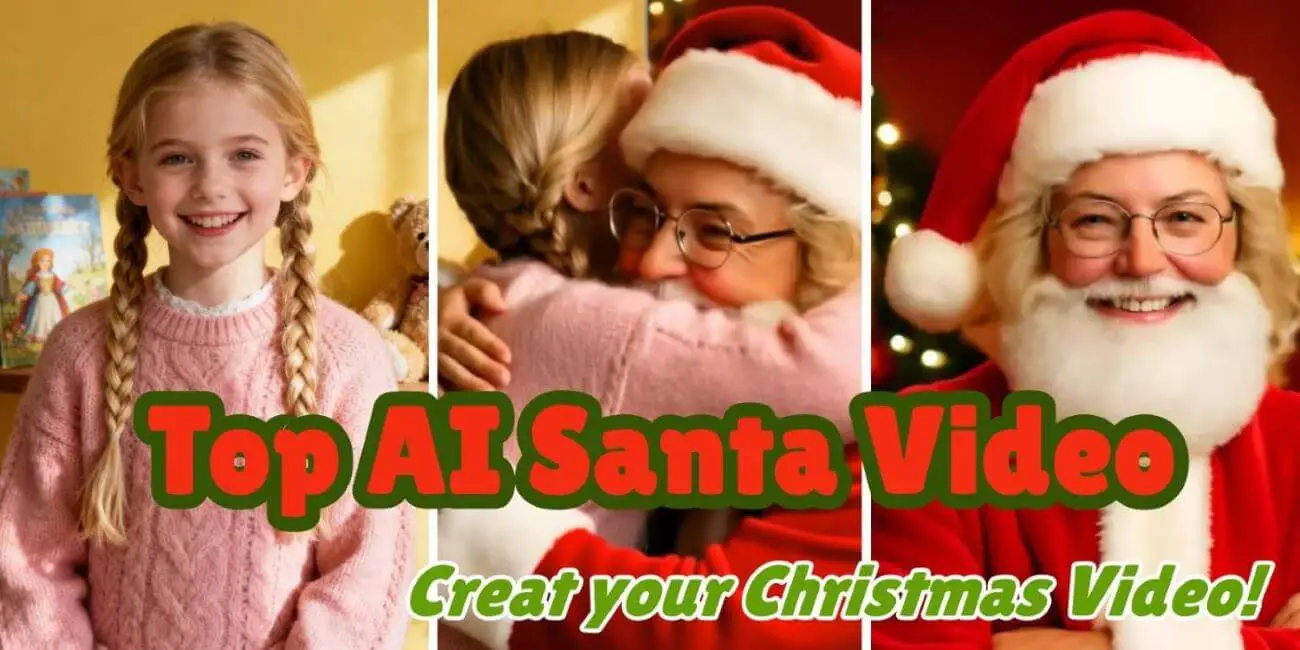
Looking to bring some Christmas magic to your messages? Our 2026 roundup of the best AI Santa video tools lets you create free AI-generated Santa videos quickly and easily. Check out our top picks for 2026 and find the perfect one for sharing with friends, family, or on social media! And for a practical step-by-step guide on making your own holiday greeting, check out this fun tutorial on creating a custom AI Santa video to get started with templates, uploads, and sharing tips.
- How We Evaluated the Best AI Santa Video Generators
- Top AI Santa Video Generators 2026 -- Our Tool Reviews
- 1. LumeFlow AI

- 2. Fotor AI Santa
- 3. Clipfly AI Santa Video Maker
- 4. Vidnoz AI Santa Video Maker
- 5. Revid.ai Santa Video Generator
- AI Santa Video Comparison Table -- A Quick Glance!
- FAQ About AI Santa Videos
How We Evaluated the Best AI Santa Video Generators
To help you identify the top AI Santa video generators in 2026 , we evaluates each tool based on essential performance indicators. Whether you want to create a free AI-generated Santa video, produce any funny festive content, or generate personalized holiday greetings suitable for twitter or tiktok, we think you will agree that these following criteria can guided our selection. You can also explore the best Christmas prompts to inspire your AI-generated content.
Evaluation Criteria Used in Our Test:
1. AI Santa Video Quality: How realistic and engaging is the final output? Does it support AI motion generation, face replacement, or voice cloning?
2. Ease of Use: Is the creation process beginner-friendly? Can users generate a video with minimal steps? Does it require additional inputs such as photos or scripts?
3. Speed and Performance: How quickly does the platform generate the video? Does it maintain stable performance during peak usage periods?
4. Customization Options: Does the tool allow adjustments such as outfit styling, festive elements, background music, subtitles, or content formats optimized for different platforms?
5. Privacy and Safety: Are uploaded materials and personal data securely processed? Is the platform suitable for family and child-friendly content, and does it provide safe download and sharing options without copyright concerns?
Based on these evaluation standards, the next section presents the Top AI Santa Video Generators for 2026 . We believe that it will help find the right one to generate your ai santa video quickly!
Shall we?
Top AI Santa Video Generators 2026 -- Our Tool Reviews
1 LumeFlow AI – Best AI Santa Video Generator for 2026
LumeFlow AI is the top choice for creating AI-generated Santa videos in 2026 . It delivers high-quality, realistic Santa videos with fast rendering and flexible customization. Perfect for social media, festive greetings, and marketing campaigns, LumeFlow outperforms other AI Santa video tools in quality, speed, and features.

 Key Features of LumeFlow AI!
- Text-to-video & photo-to-video generation with high realism
- AI avatar & motion synthesis for dynamic Santa videos
- Fast rendering optimized for short-form content
- AI voice generation for personalized messages
- No watermark for premium exports


Pros
- Highest video quality among reviewed tools.
- Full customization from appearance and movement to audio and branding.
- Fast generation speed and stable performance.
- Suitable for professional festive campaigns and viral social media videos.
- Free coins for new users
Cons
- Generating longer videos or more outputs needs more coins.
It is best for the following options: Brands or agencies creating festive campaigns / Content creators seeking shareable Santa videos / Users who want realistic AI Santa videos with strong personalization.
Choose LumeFlow AI for the most powerful and professional AI Santa video creation, ideal for high-quality, customizable outputs over purely free solutions.
2 Fotor AI Santa
Fotor AI Santa is a beginner-friendly tool for creating AI-generated Santa videos quickly. While it doesn't match LumeFlow in customization or video quality, it offers a straightforward interface and free access for casual users or short festive greetings.
Key Features: Photo-to-video generation with preset Santa templates | Basic customization: text overlays, background music, color filters | Free plan available with limited exports | Fast rendering for short social media clips

Pros
- Very easy to use, suitable for beginners
- Free plan allows quick Santa video creation
Cons
- Limited customization options compared to professional tools
- Video quality is lower
- Some features locked behind premium subscription
It is best for the following options: Casual users or beginners making short holiday greetings / Social media posts or personal festive messages / Quick free AI-generated Santa videos without much setup.
3 Clipfly AI Santa Video Maker
Clipfly AI Santa lets users generate short AI Santa videos quickly, with basic customization and free usage options.

Key Features: Photo-to-video generation with Santa templates | Text and music customization | Free plan with limited exports
Pros
- Fast and easy to use
- Free version available
Cons
- Limited video quality and customization
It is best for the following options: Casual holiday greetings and social media posts / Users wanting free AI Santa videos without advanced features.
4 Vidnoz AI Santa Video Maker
Vidnoz AI Santa Video Maker allows users to create festive AI Santa videos with moderate customization options and a free usage plan, making it suitable for social media greetings.
Key Features: Text-to-video & photo-to-video generation | Multiple Santa templates and holiday themes | Free plan with limited exports

Pros
- Offers a variety of templates for different festive styles
- Easy-to-use interface for beginners
Cons
- Video resolution is lower than professional tools
- Limited customization on free plan
- Some advanced features require a paid subscription
It is best for the following options: Users looking for creative Santa video templates / Social media posts, holiday emails, or personal greetings
5 Revid.ai Santa Video Generator
Revid.ai specializes in AI-generated Santa videos from text prompts. It provides fast creation and moderate customization, suitable for users who prefer text-driven video generation.
Key Features: Text-to-video generation | Basic Santa character customization | Free plan with limited exports

Pros
- Quick video creation from text prompts
- Beginner-friendly interface
- Free usage available
Cons
- Limited visual customization
- Video quality lower than premium tools
- Some features require subscription
It is best for the following options: Users who prefer creating AI Santa videos from text prompts / Quick social media clips or festive messages
AI Santa Video Comparison Table -- A Quick Glance!
LumeFlow AI clearly leads in video quality, customization, and professional features, making it the top choice for anyone serious about creating AI-generated Santa videos, while other tools are suitable for quick, free, or casual festive clips.
| Tool | Customization | Export Quality | Ease of Use | Free Plan |
|---|---|---|---|---|
| LumeFlow AI | High – AI motion, avatars, styles, voice | HD / Full Resolution | Very Easy | Yes |
| Fotor AI Santa | Basic – text, music, filters | Standard | Moderate | Yes |
| Clipfly AI | Basic – text, music | Standard | Very Easy | Yes |
| Vidnoz AI | Moderate – templates, text overlays, music | Standard | Easy | Yes |
| Revid.ai | Basic – Santa customization, voice | Standard | Easy | Yes |
LumeFlow AI clearly leads in video quality, customization, and professional features, making it the top choice for anyone serious about creating AI-generated Santa videos, while other tools are suitable for quick, free, or casual festive clips.
FAQ About AI Santa Videos
Can I create a free AI Santa video?
Yes, most AI Santa video generators, including LumeFlow AI, Fotor, Clipfly, Vidnoz, and Revid.ai, offer free plans or trial options. Free versions may have limitations such as lower resolution, watermarks, or export limits. LumeFlow AI provides a limited free trial while still delivering high-quality results.
Are AI Santa video generators safe and compliant?
Reputable tools like LumeFlow AI ensure privacy and data security. Uploaded materials are securely processed, and content moderation is in place to prevent misuse. Users can safely generate videos without exposing personal data, and professional platforms often provide guidelines for copyright compliance.
How can I make my AI Santa video look more realistic?
Use high-resolution photos with clear facial features.
Select natural poses and expressions.
Adjust lighting, background, and animation style if available.
Add custom voice messages to match expressions and movements.
Use tools like LumeFlow AI for advanced AI motion and avatar synthesis.
How can I ensure the video generation runs smoothly and avoids errors?
Keep file sizes within recommended limits and use supported formats.
Avoid low-quality or overly complex images.
Use templates or preset scenarios to reduce errors.
Ensure stable internet connection for faster rendering.
Follow tool guidelines for optimal export settings.
Final Thoughts
Creating a memorable AI Santa video is simple with LumeFlow AI. Whether you want a free AI Santa video or a fully customized AI-generated Santa video, Lumeflow delivers the best quality and flexible options.
Upload your photos, add a personalized voice message, and generate stunning Santa videos perfect for social media or festive greetings.
Try LumeFlow AI today and make your holiday videos truly special!

